 StoryQuest
View on GitHub
Printable activity worksheets to accompany any book your child (or you!) is reading. An AI writes the pages; this page lays them out for printing.
Free. Everything happens on this page in your browser: nothing you paste is uploaded. Your last packet is kept on this device only, so you can come back to it.
How it works
- Step 1: copy the instructions from this page.
- Step 2: paste them into the AI chatbot you already use, such as ChatGPT, Gemini, Claude or Copilot. Answer its questions about the book and your child. When it writes one long block of text, press its Copy button. If it stops partway, type continue.
- Step 3: paste that block back into this page and press Make my pages.
- Step 4: check the pages and print.
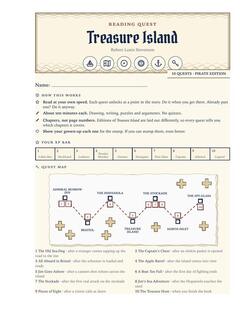
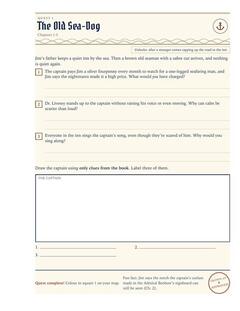
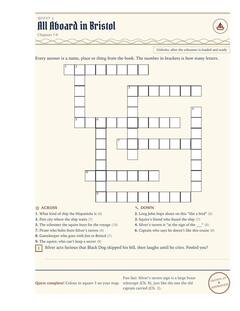
1Copy the instructions for your AI
Press the button, then paste into any AI chatbot you use: Claude, ChatGPT, Gemini, Copilot. Free versions work. Ones that can search the web get the book's details more accurate. The AI will ask your child's first name and age; a nickname is fine.
Show the instructions instead
2Answer its questions
The AI asks about the book, your child and how many pages you want. Then it writes everything as one long block of text.
Most AIs put a Copy button on that block. Use it so you get every bit. If the AI stops partway, type continue, then copy both parts and paste them together.
3Paste it here
Saved a packet file earlier? .